
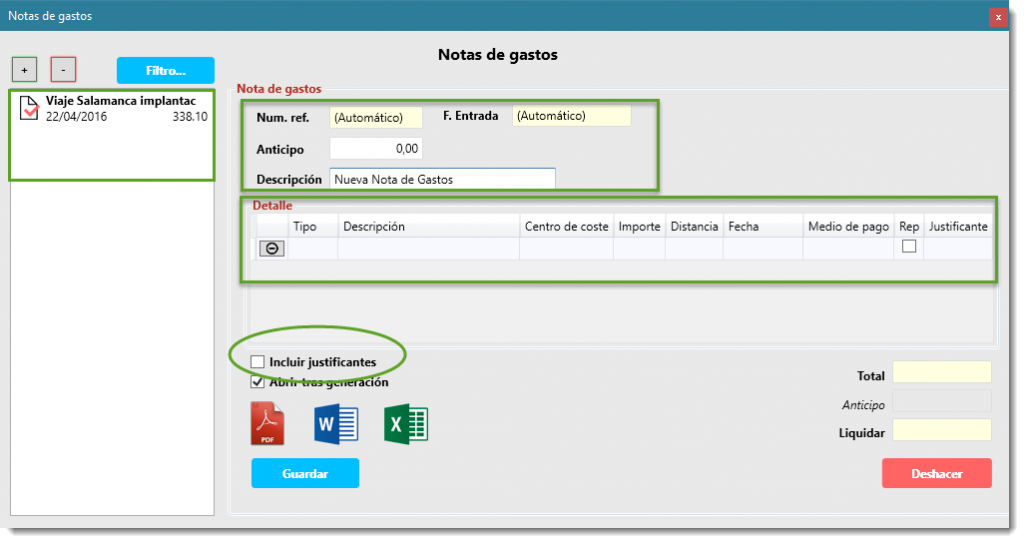
Expense report management is often one of the most time‑consuming tasks for professionals who travel regularly and for administrative teams. Collecting receipts, recording business travel expenses and tracking approvals usually involves manual work and errors. With ForTiming, users can record, manage and settle expense reports digitally, whether incurred during a business trip, a client visit or any other professional activity, reducing paperwork and improving cost control.
WATCH VIDEO
Authorization Flowchart

Expense reports follow a clearly defined authorization and approval workflow, from the moment the user records the expense until it is finally settled. At each stage, a responsible person reviews and approves the report before it moves forward, ensuring full traceability, better internal control and fewer errors throughout the process.
Integrated with Time Control
The expense report functionality is fully integrated with ForTiming’s time tracking and project control. This allows organizations not only to budget working hours by project or cost center, but also to estimate, monitor and analyze associated expenses. As a result, companies gain a real and accurate view of project costs and profitability.
OCR and Digitalization of Receipts
Paper receipts are always a burden: they take up space, can be lost and slow down administrative processes. With ForTiming, users can digitize expense receipts by taking a photo with their smartphone, uploading it directly to the expense report and automatically extracting the data using OCR technology. This speeds up expense management, reduces manual input and simplifies future audits or internal reviews.

If you don’t yet have a ForTiming account, you can sign up without commitment using a basic account and start managing your expense reports digitally. If you require advanced features or greater control, you can upgrade to a premium user at any time.
More information in help
Do you have a ForTiming account?
NO
Sign up without commitment with a basic account
YES
Contact us if you want to upgrade to a premium user
“